Business Solution Video Thumbnail Design: Your First Impression
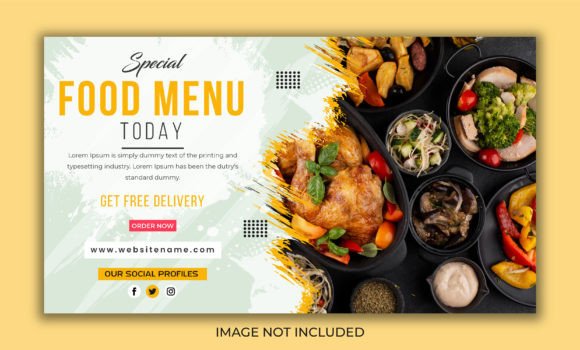
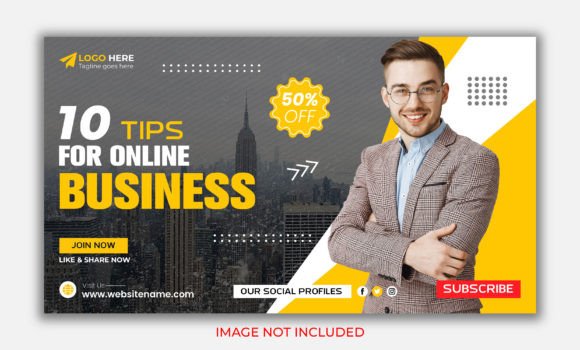
In the crowded landscape of YouTube and digital marketing, your thumbnail is your billboard. It’s the split-second visual handshake that determines whether a viewer clicks or scrolls past. The Business Solution Video Thumbnail Design template isn't just a graphic; it's a strategic tool built for clarity and conversion. Its visual personality is clean, authoritative, and professional, yet it doesn't feel cold or corporate. The design leverages a modern sans serif font for maximum readability at small sizes, paired with a bold, structured layout that guides the eye from the main title to supporting details. The overall appeal is one of confident simplicity—it signals to your audience that the content inside is valuable, organized, and worth their time.
Where This Template Truly Shines
While designed for video thumbnails, the versatile structure of the Business Solution Video Thumbnail Design makes it a valuable asset across a spectrum of projects. Its core strength lies in any context where you need to communicate a clear, benefit-driven message quickly.
- YouTube & Video Platforms: This is its home turf. Use it for tutorials, webinars, course promotions, and business advice videos. The 1280×720 pixel size is optimized for YouTube's standards.
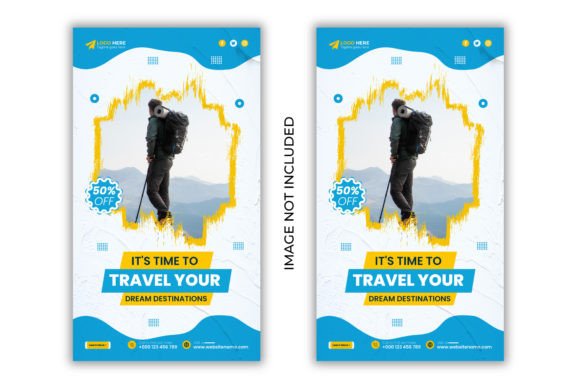
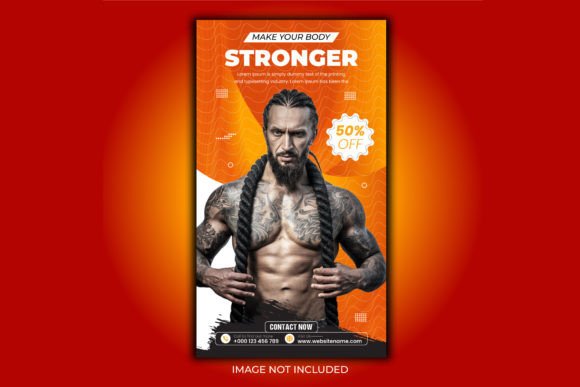
- Social Media Graphics: Adapt the template for Instagram posts, Facebook ads, or LinkedIn articles. The strong visual hierarchy works well in fast-scrolling feeds.
- Blog Post & Newsletter Headers: Create consistent, professional cover images for your articles or email campaigns to boost engagement and brand recognition.
- Presentation Slides: Use the layout as a title slide or section divider in business pitches and educational decks.
- Digital Product Packaging: If you're selling an ebook, online course, or software, this thumbnail design can serve as the foundational style for your promotional graphics.
Making It Your Own: Practical Editing Guidance
The template's power is unlocked through its editable Adobe Illustrator (CC) file. Here’s how to approach customization to ensure it aligns with your brand and message.
Aligning with Your Brand Identity
First, consider your brand's color palette. The RGB color mode is perfect for digital use, but swap the placeholder colors for your own primary and secondary brand colors. This simple change instantly makes the design yours. The layout is well-organized with clear layers, so changing the color of text boxes, icons, or background elements is straightforward. Next, replace the placeholder text with your own headline. Keep it concise and action-oriented. The template's typography is chosen for impact, so trust its sizing and weight to make your message stand out.
Testing for Readability and Impact
Before finalizing, always test your thumbnail at a small size. Shrink it to the dimensions it will appear in a YouTube search result or a social media feed. Can you still read the main title? Does the core message come through? The sans serif font included is excellent for this, but ensure your chosen text doesn't become too long and cluttered. If you're using the template for a series, consider creating a consistent style by always using the same color for the main title background or placing your logo in the same corner. This builds visual consistency and brand recognition over time.
The Right Font Pairing for Professional Results
The template includes a link for font downloads, which is crucial for maintaining design integrity. The primary typeface is a modern, clean sans serif—ideal for headlines and key points due to its high legibility. For any extended body text or supporting information you might add, consider pairing it with a complementary serif font for a touch of sophistication, or another sans serif with different weight options. The goal is to maintain a clear visual hierarchy: the boldest, largest text for the main hook, and smaller, lighter text for secondary details. Avoid using more than two typefaces to keep the design cohesive and professional.
Remember, this is a commercial font asset. Confirm the license covers your intended use, whether for personal projects, client work, or large-scale commercial campaigns. Using properly licensed design assets protects you legally and supports the creators who make these tools possible. By thoughtfully customizing the Business Solution Video Thumbnail Design template, you move beyond having a generic thumbnail to owning a powerful piece of your brand's visual identity. It’s about making a deliberate, professional choice that resonates with your target audience and elevates your content above the noise.